
Want to see what AI room design can really do? You’re in the right place. In this guide, we’ve gathered stunning before-and-after AI room transformations created with Casavista Dremiai — the #1 AI interior design app trusted by over 1 million users. Each transformation shows a real room photo alongside the AI-generated redesign, so you can see exactly how powerful this technology has become.
Whether you’re planning a full home renovation, redecorating a single room, or just curious about what AI can do for interior design, these transformations will blow your mind. Let’s dive in.
How AI Room Design Works
Before we show the transformations, here’s how simple it is. You take a photo of your current room — any room, any lighting, any angle. Upload it to Casavista Dremiai. Pick a design style (or describe your own in plain text). The AI analyzes your room’s structure, lighting, furniture placement, and dimensions, then generates a fully redesigned version in 20-40 seconds.
- Snap a photo of your room
- Choose a style or describe what you want
- AI generates your transformed room in seconds
- Save, share, or generate more variations
Before & After: Real AI Room Transformations
1. Living Room → Modern Minimalist Transformation
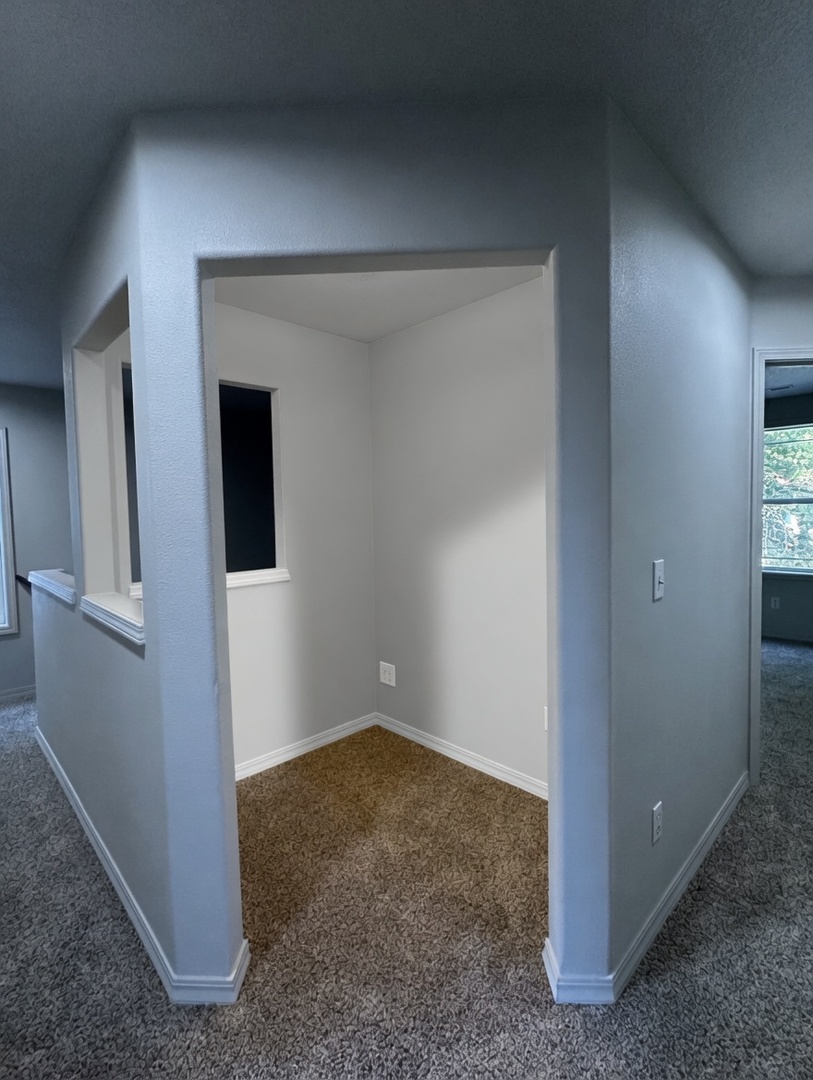
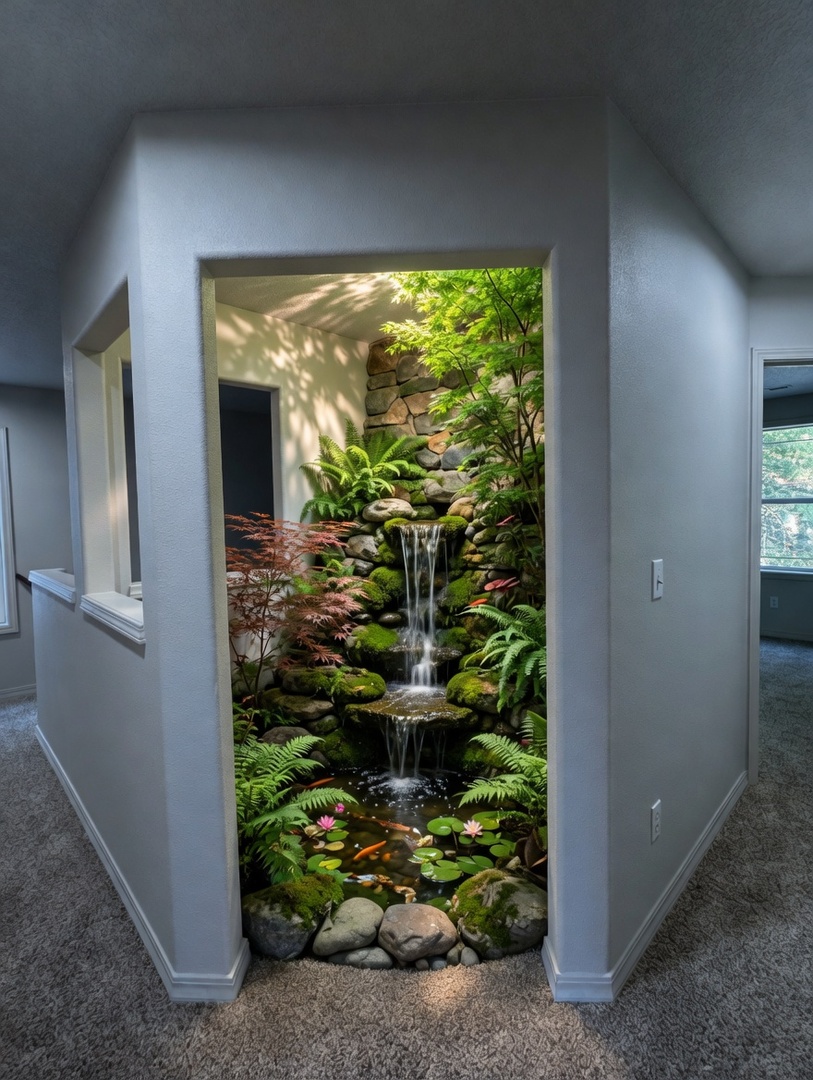
This living room got a complete modern minimalist makeover. Notice how the AI preserved the room’s original architecture — windows, doors, and structural elements stay exactly where they are — while completely reimagining the furniture, color palette, and layout. The transformation took less than 30 seconds.
2. Bedroom → Boho Chic Transformation
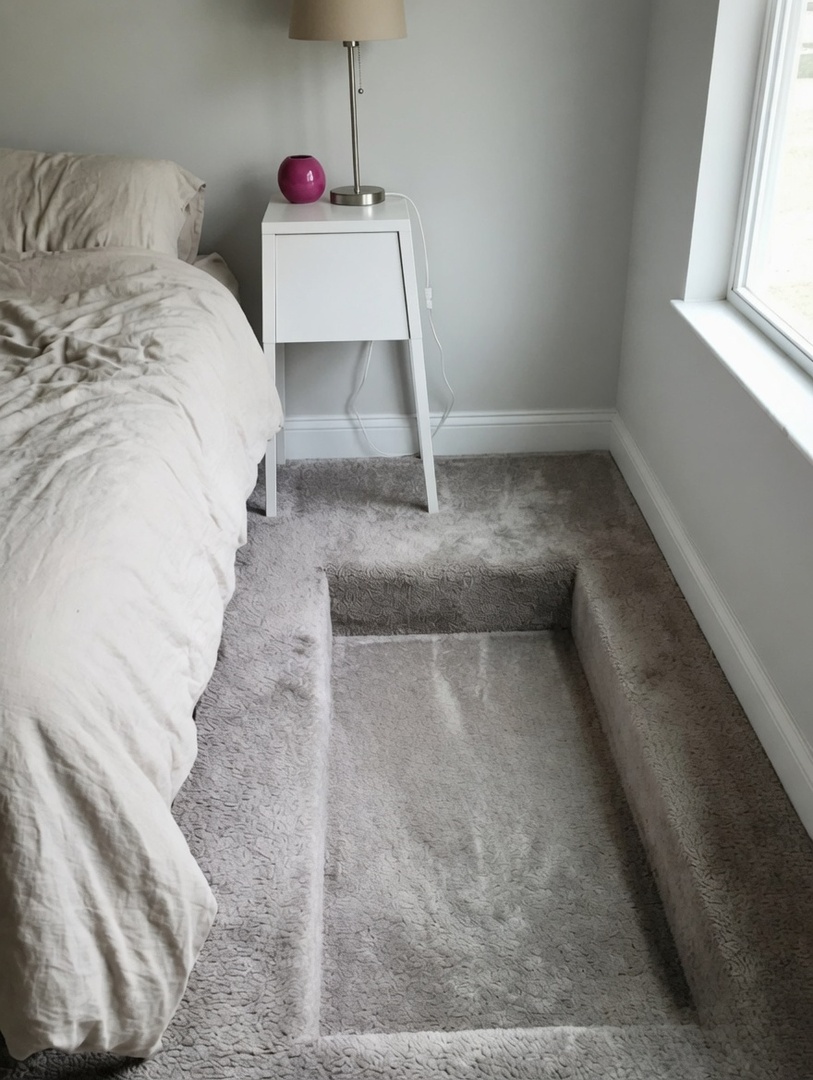
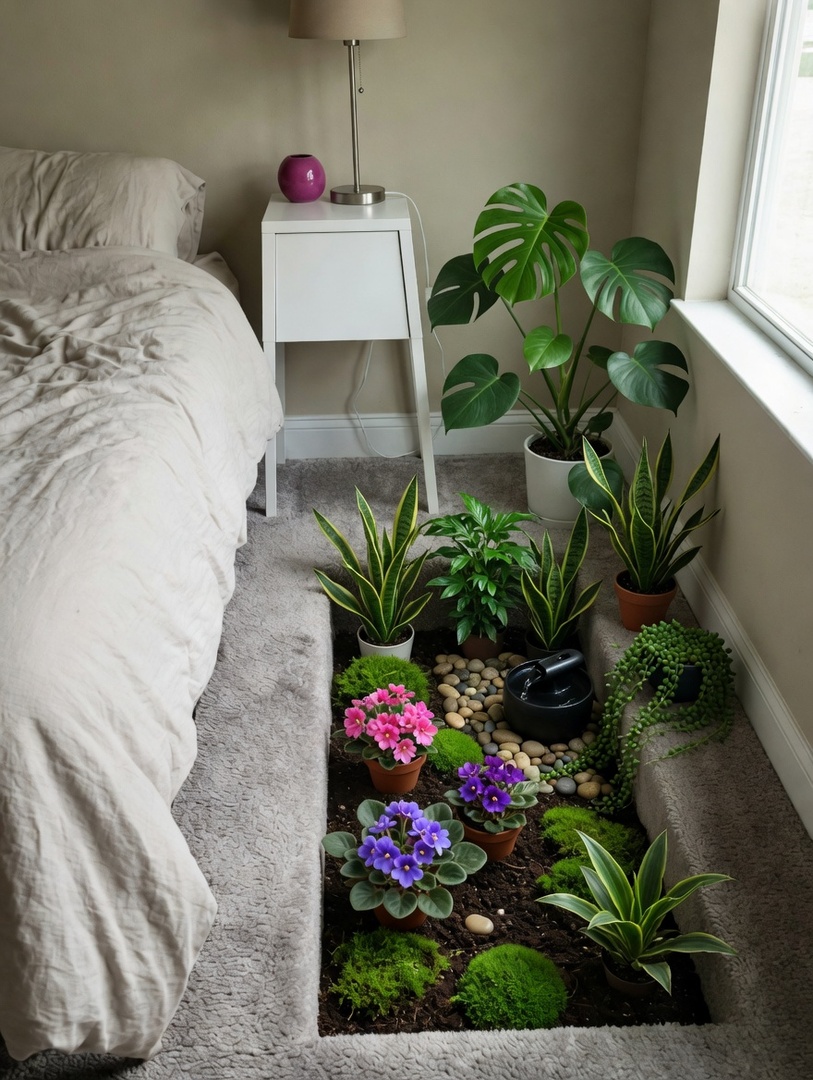
From ordinary to extraordinary — this bedroom transformation shows the power of boho chic design. The AI didn’t just slap on new colors; it redesigned the entire space with proper furniture placement, lighting, and decor that fits the boho chic aesthetic perfectly.
3. Dining Room → Scandinavian Transformation
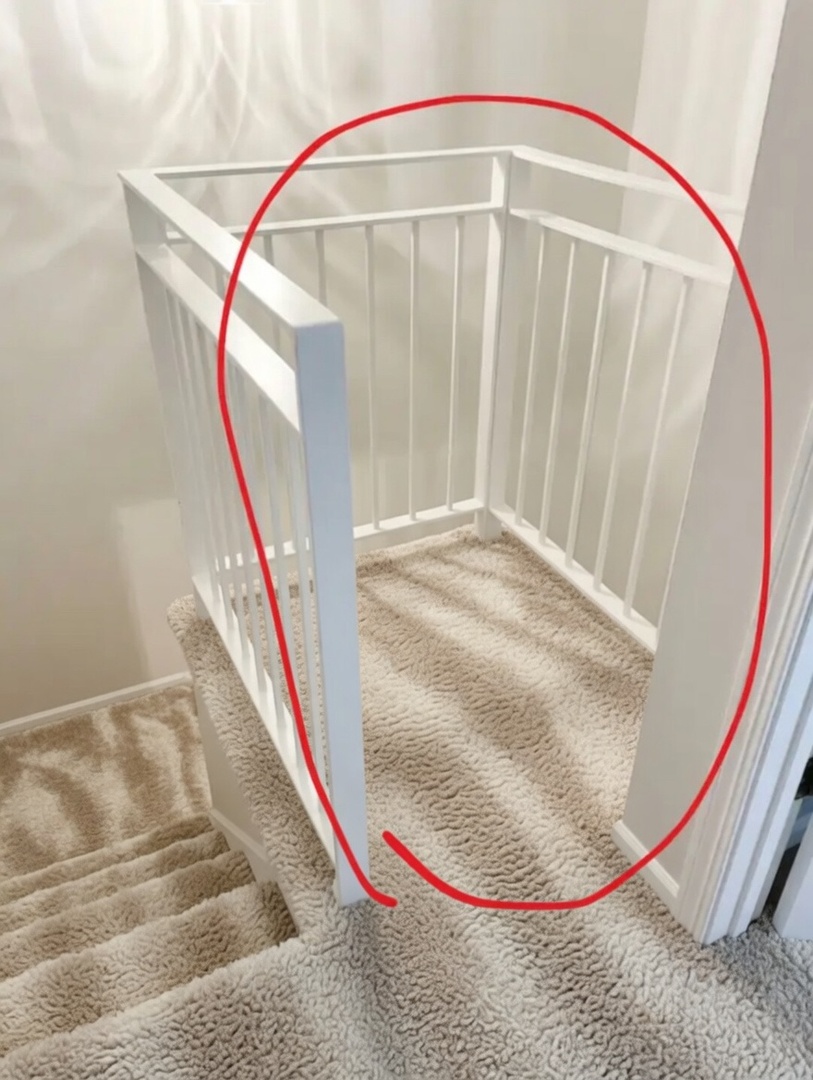
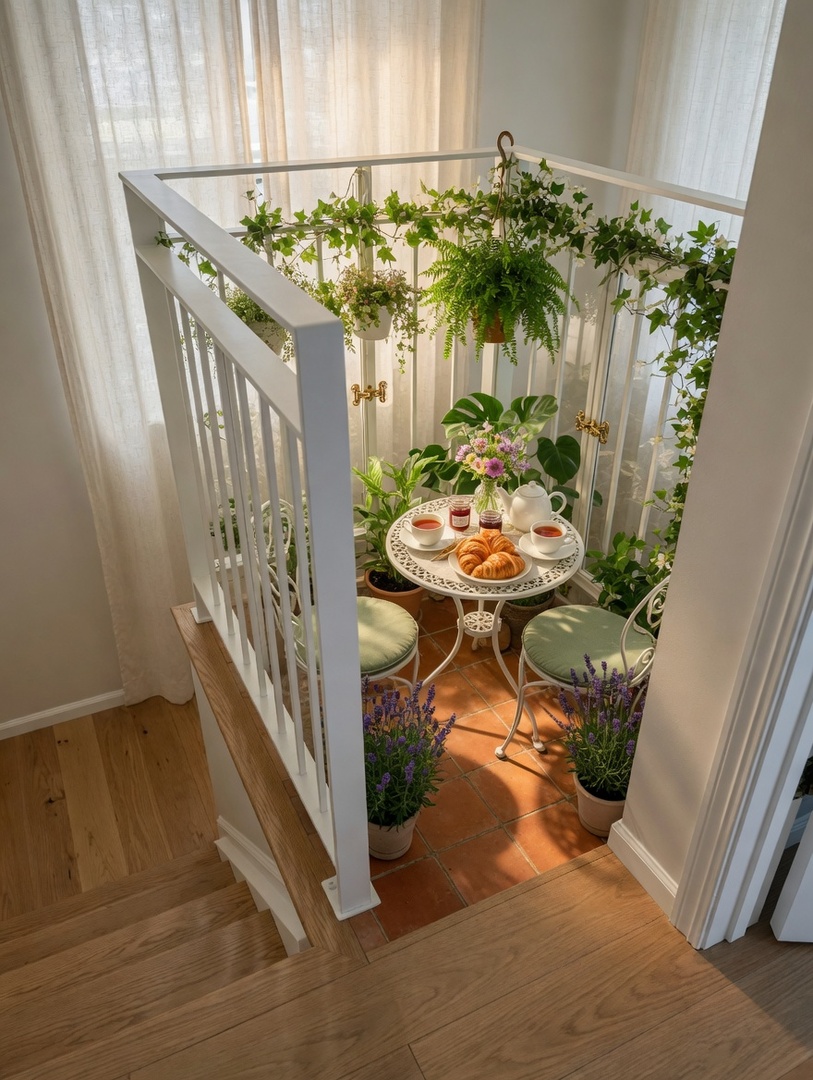
Look at the difference! The AI took this dining room and applied a scandinavian design language — rethinking everything from wall colors and flooring to furniture selection and decorative accents. This is what real AI design looks like in 2026.
4. Home Office → Industrial Transformation
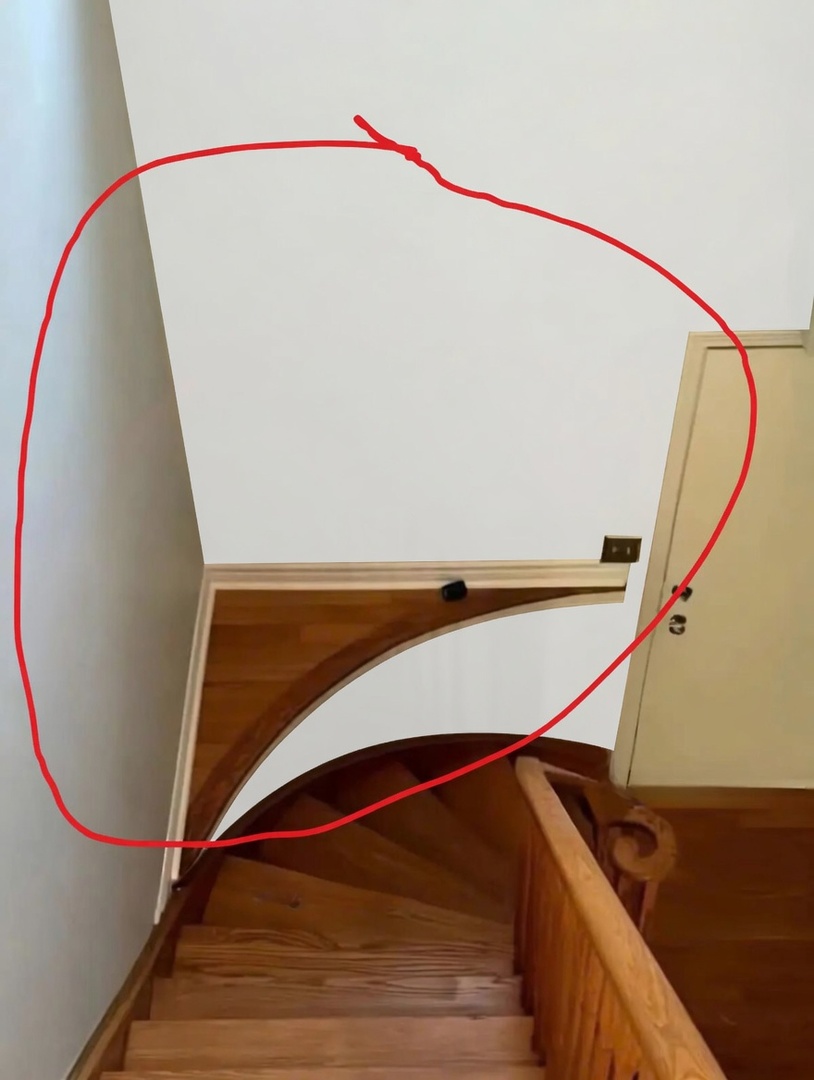
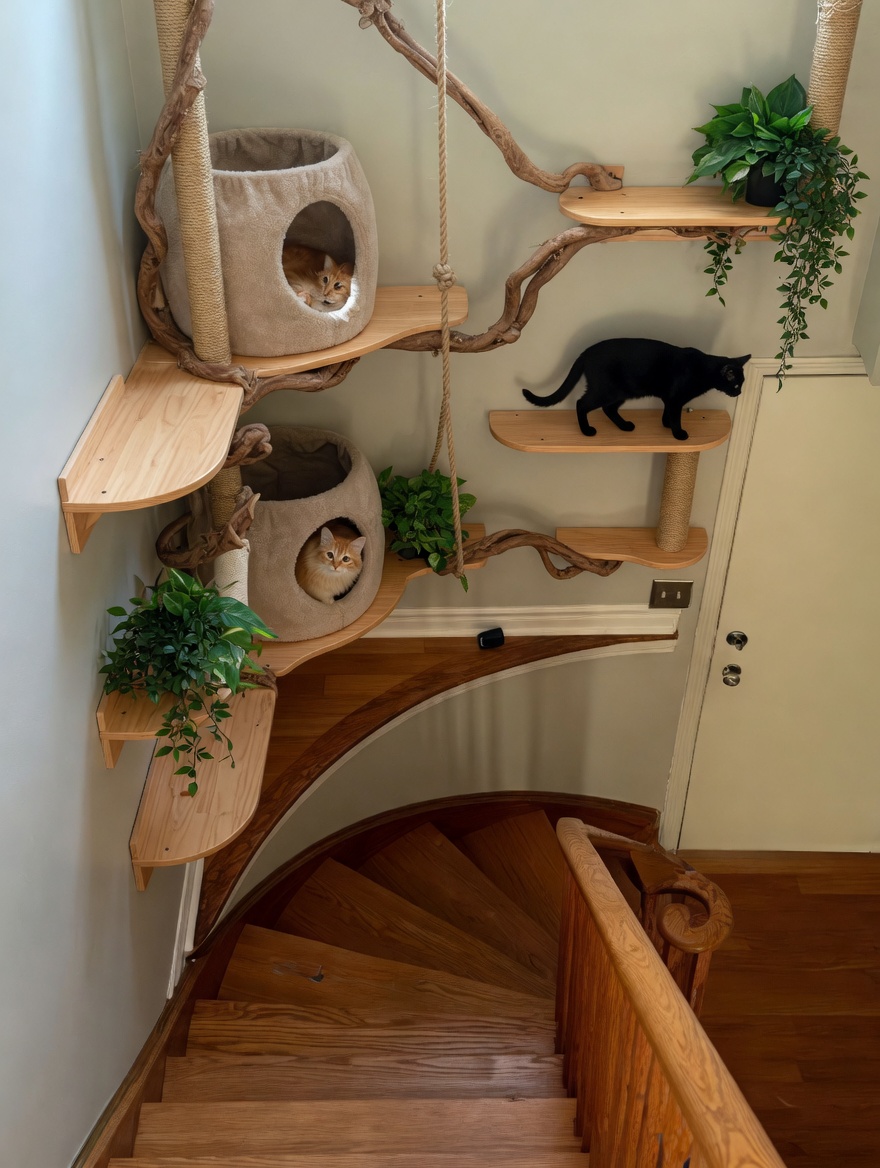
This is what we call a “room glow-up.” The original home office had potential — the AI unlocked it with a industrial approach. Notice the attention to detail: coordinated textiles, properly scaled furniture, and lighting that enhances the space.
5. Studio Apartment → Art Deco Transformation
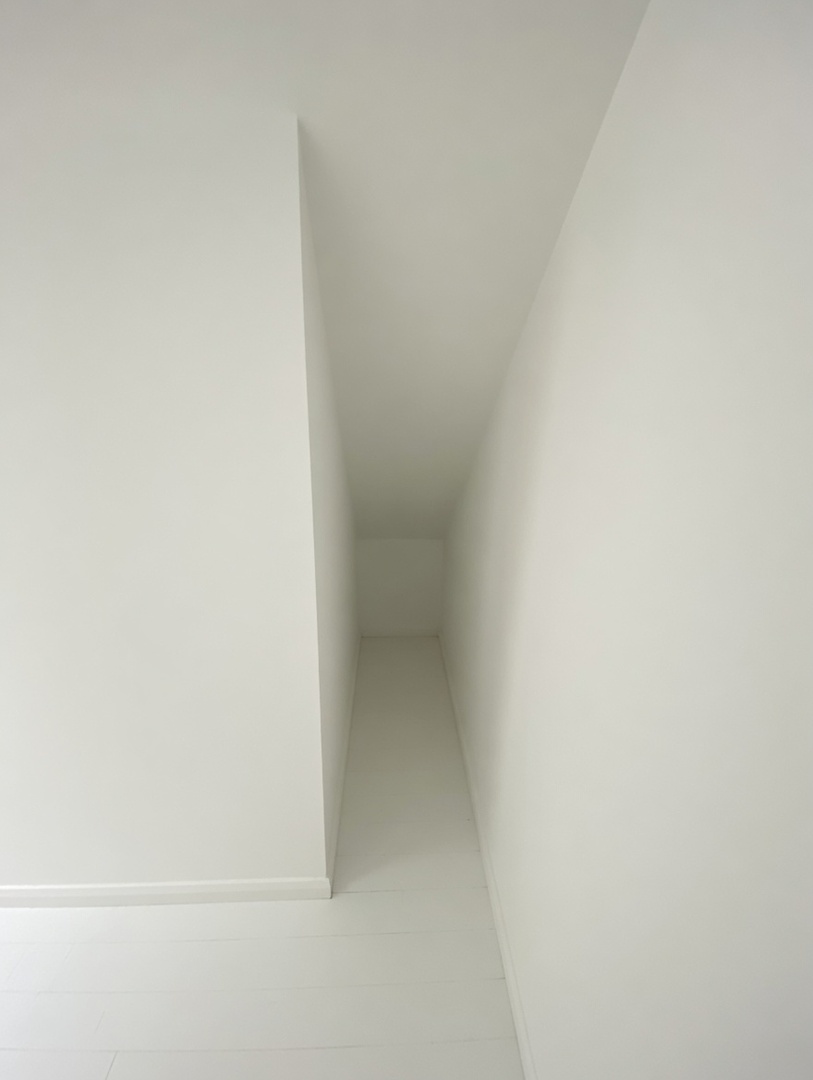
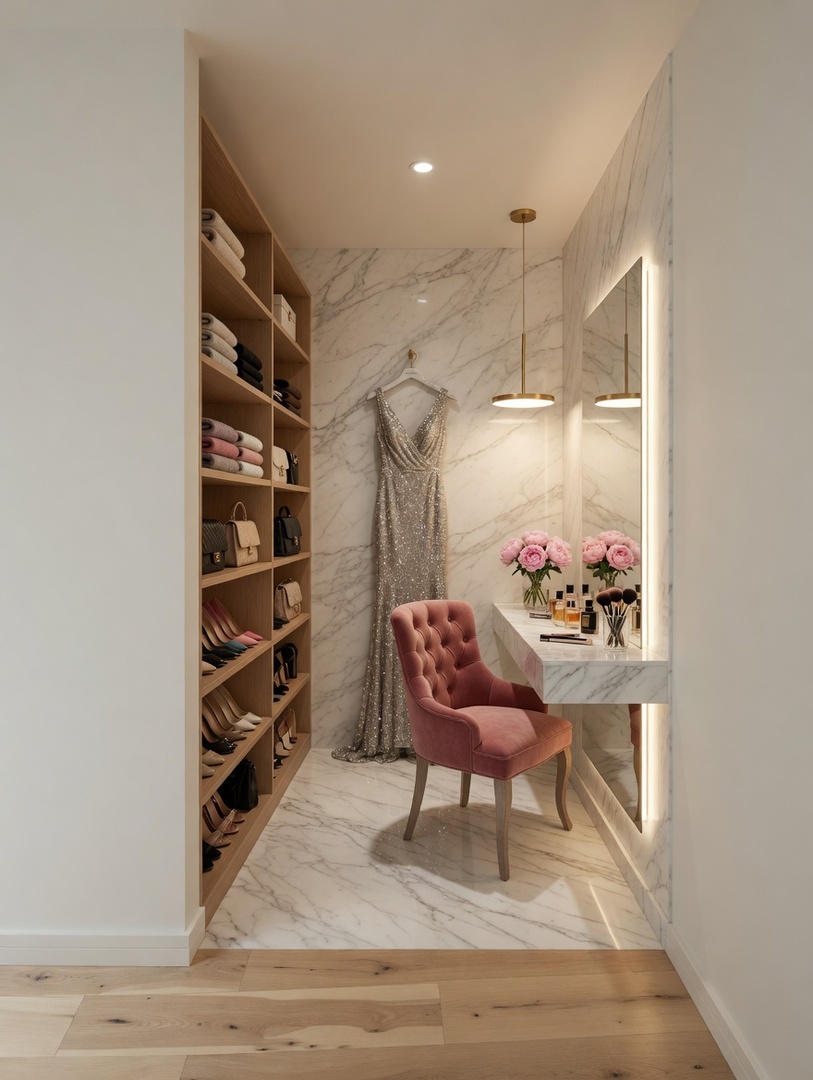
A stunning art deco transformation for this studio apartment. The best part? You can generate unlimited variations of this same room in different styles until you find the one that feels right. No commitment, no expensive designer fees.
6. Kids Room → Japandi Transformation
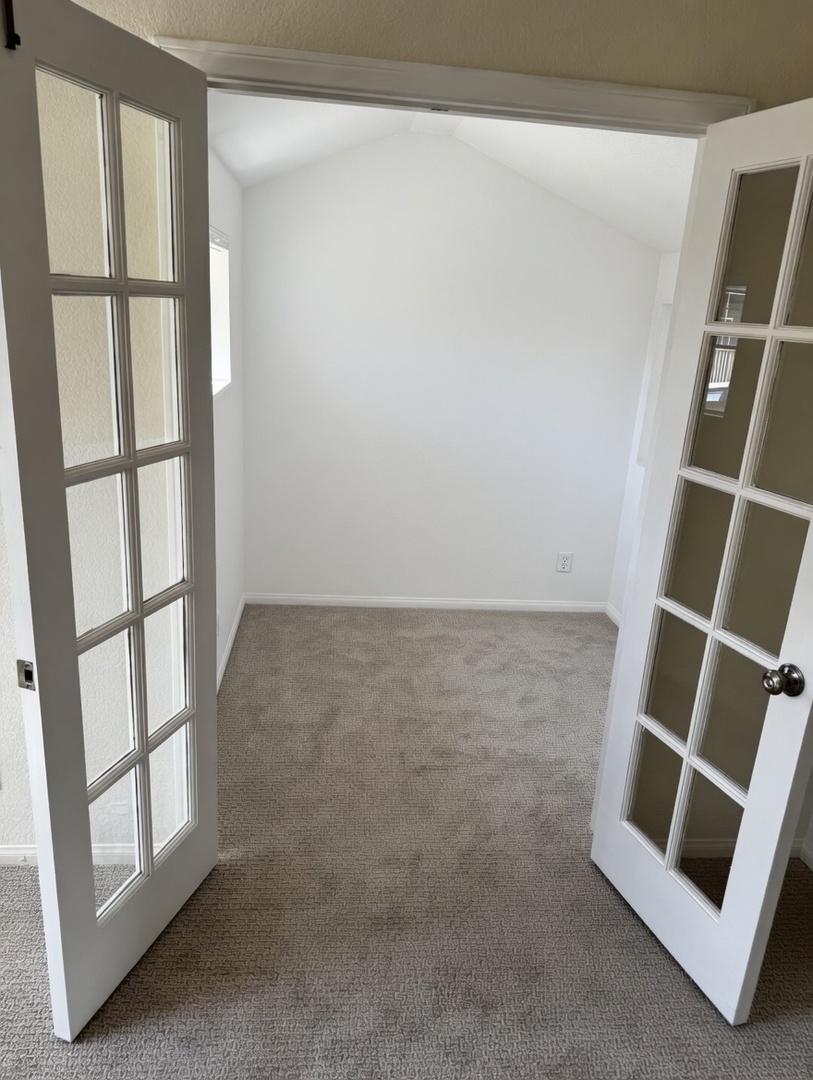
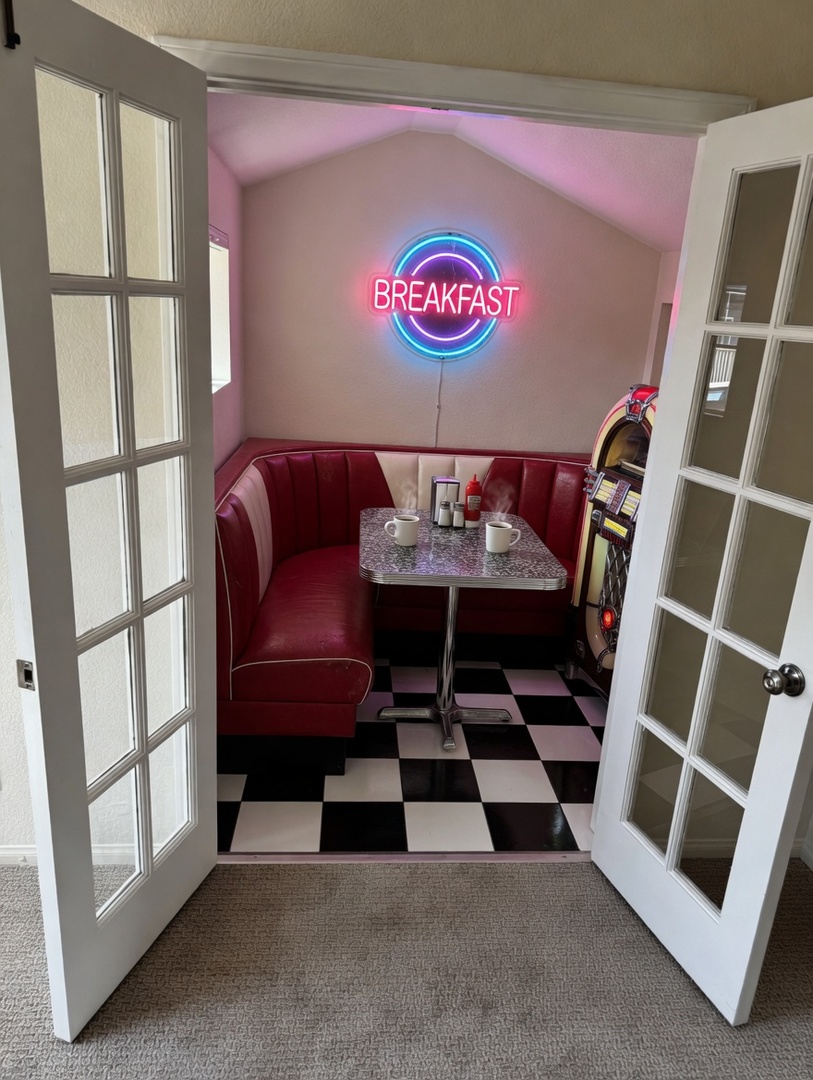
Before: a blank canvas. After: a beautifully designed japandi kids room. The AI doesn’t just decorate — it designs. Furniture placement follows real interior design principles, and color choices are coordinated across the entire room.
7. Bathroom → Coastal Transformation
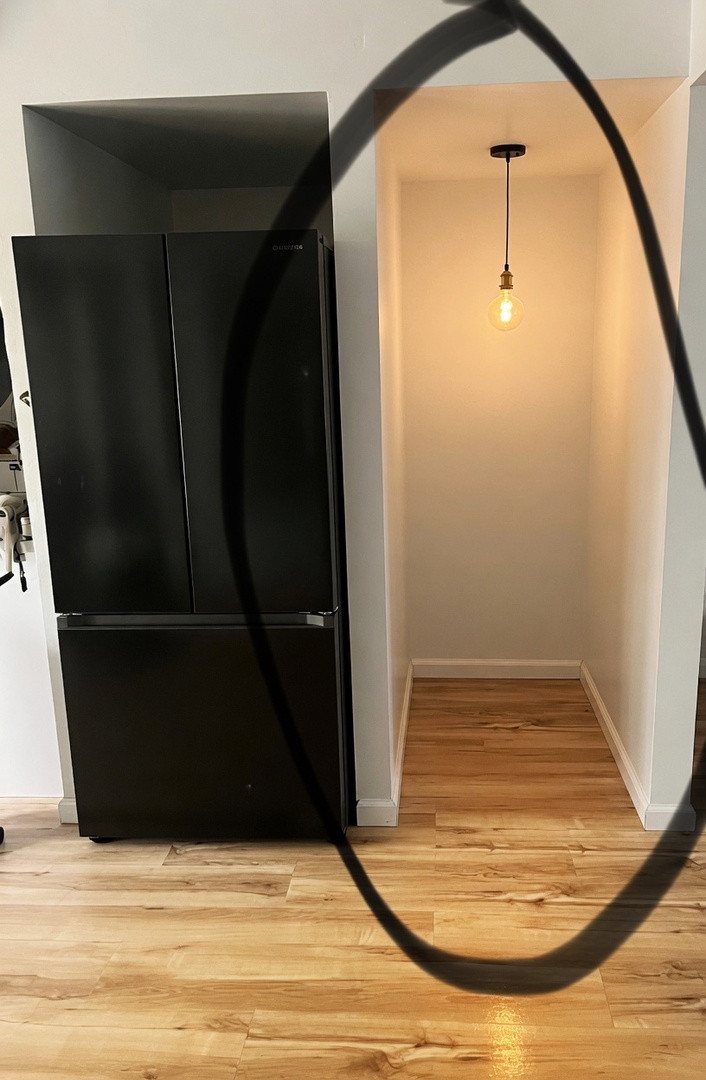
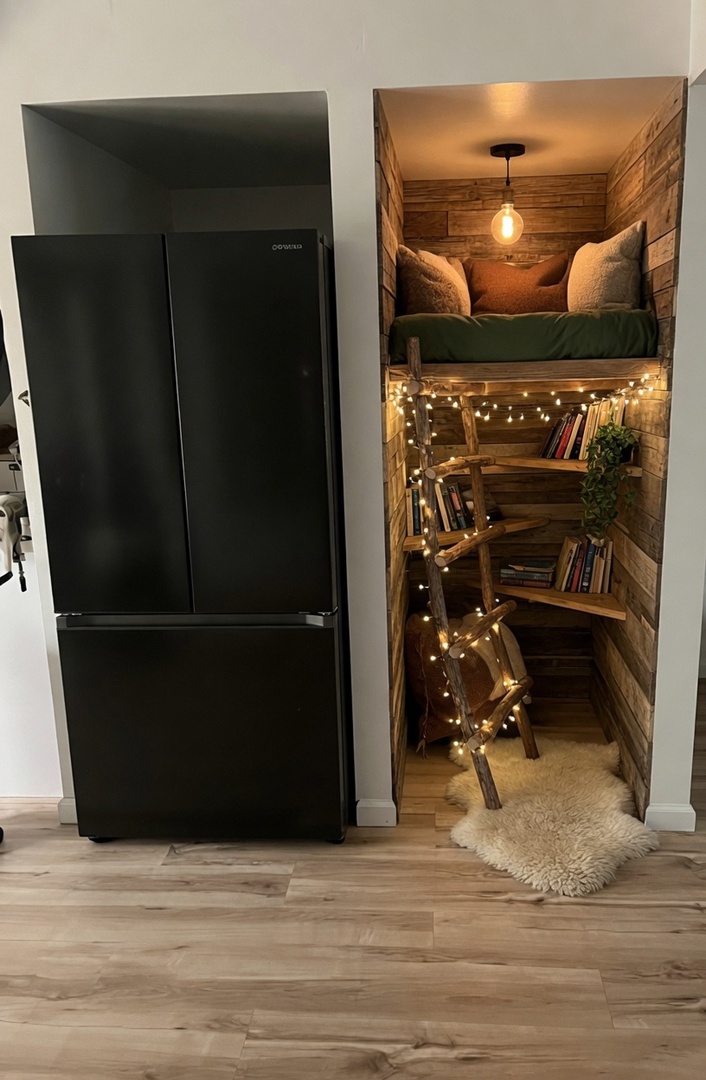
This coastal makeover proves that any room can look like it belongs in a design magazine. The AI’s understanding of coastal aesthetics — the right materials, colors, and proportions — makes every transformation look professionally done.
Even More Room Transformations
BONUS: Gallery of AI Room Transformations
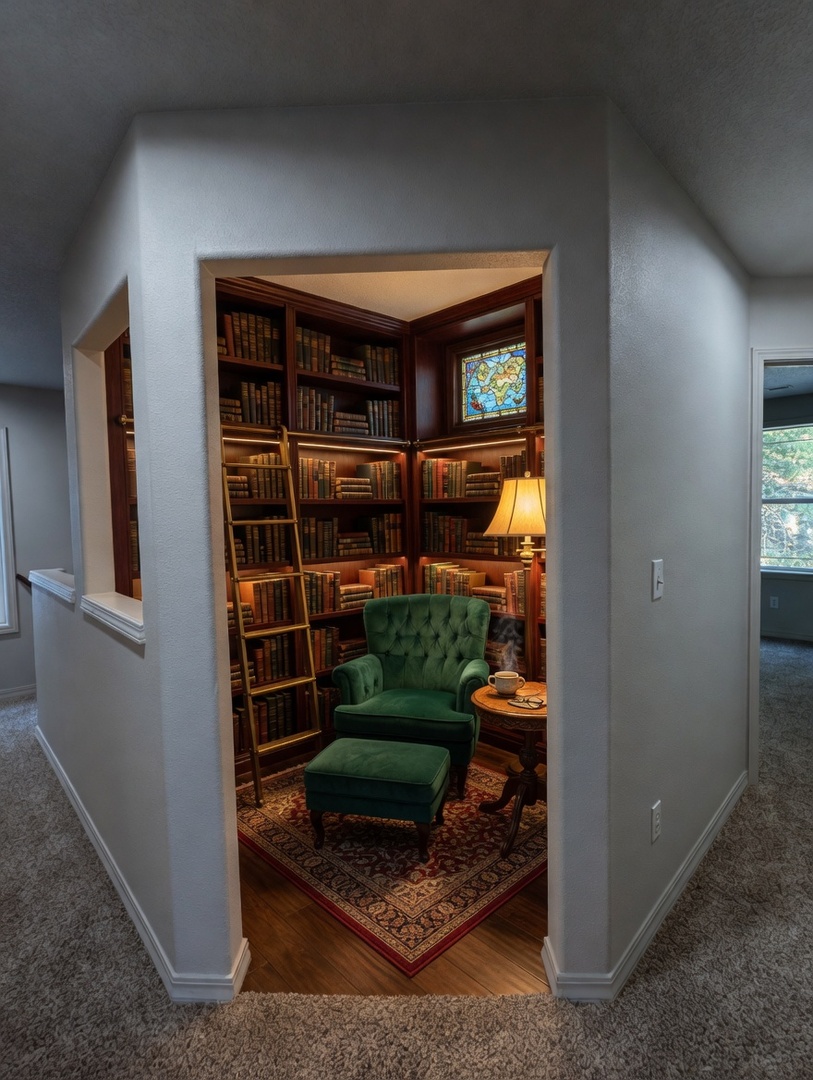
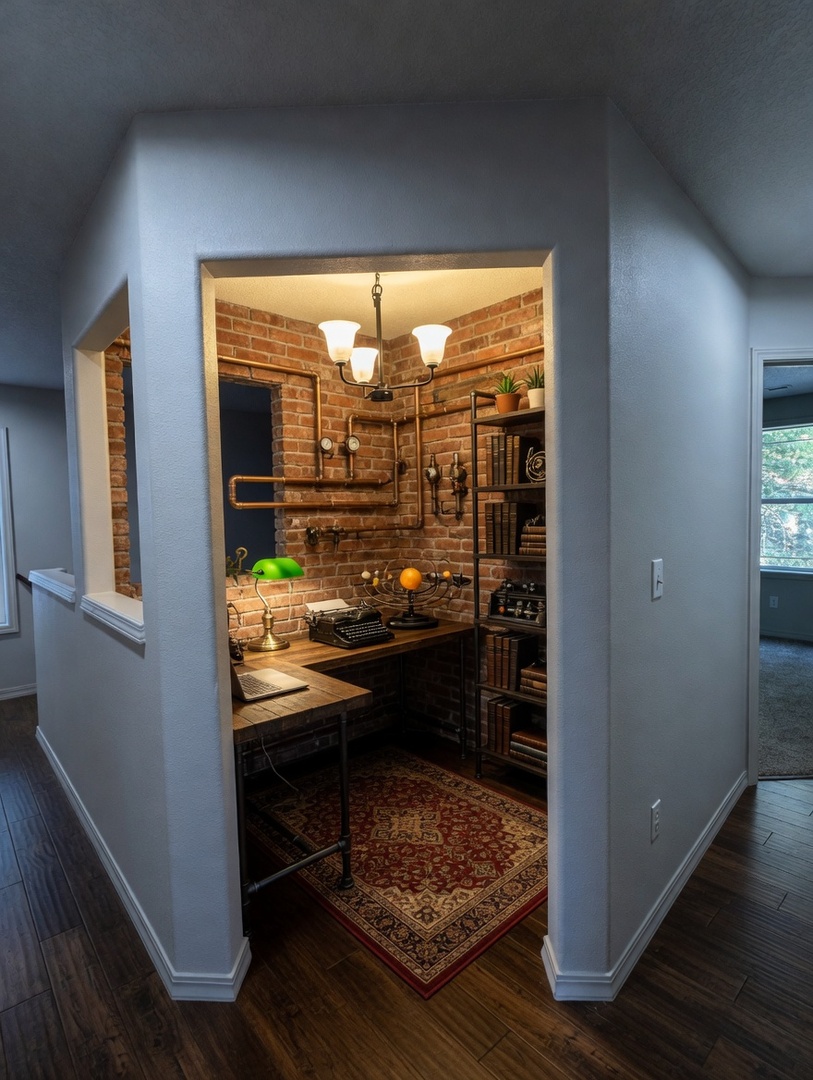
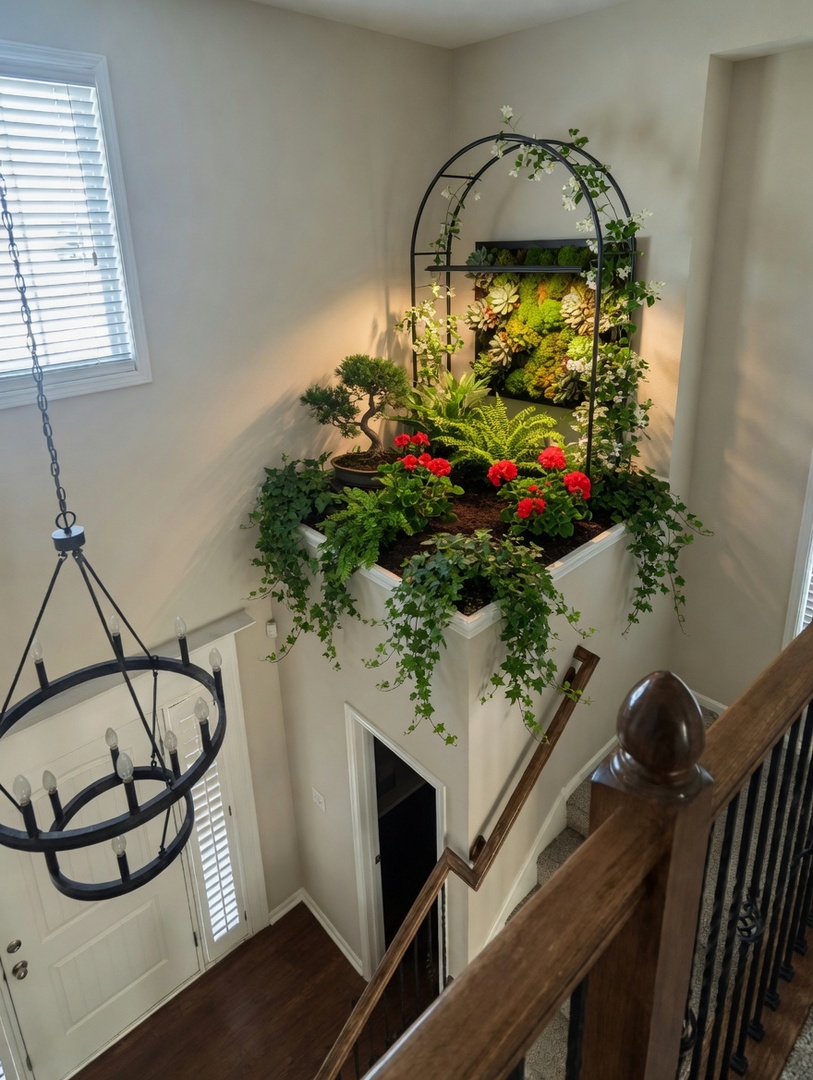
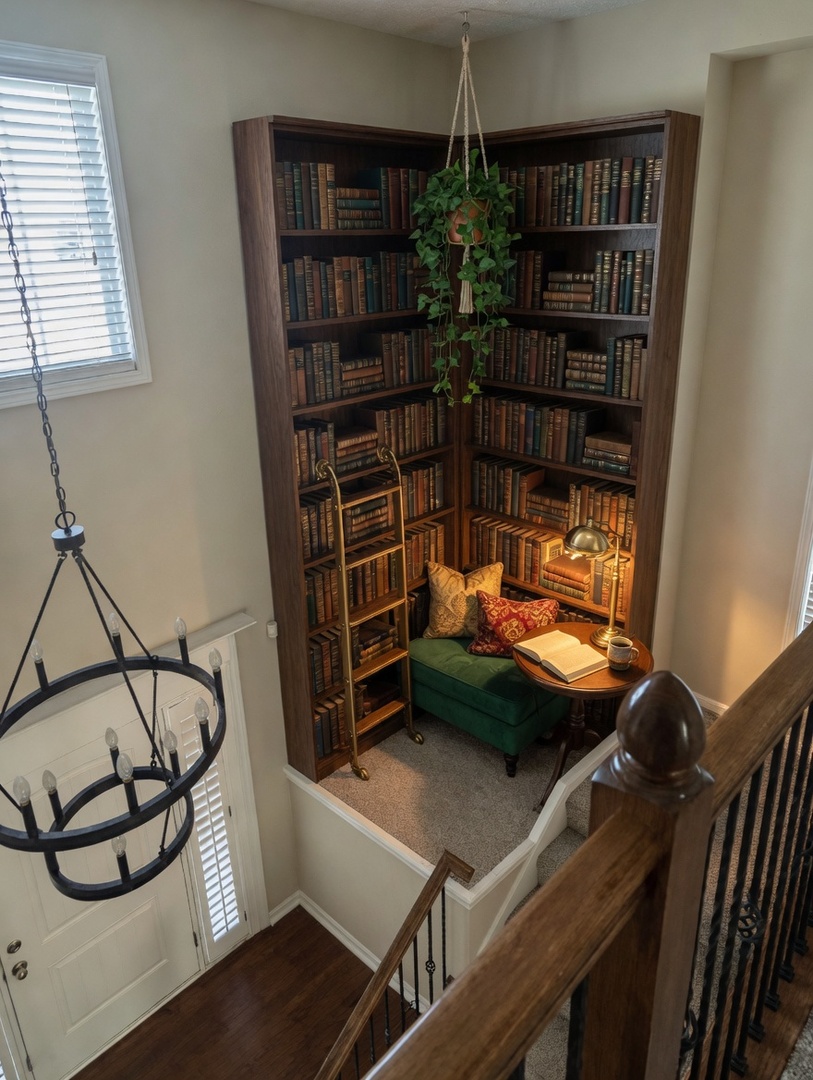
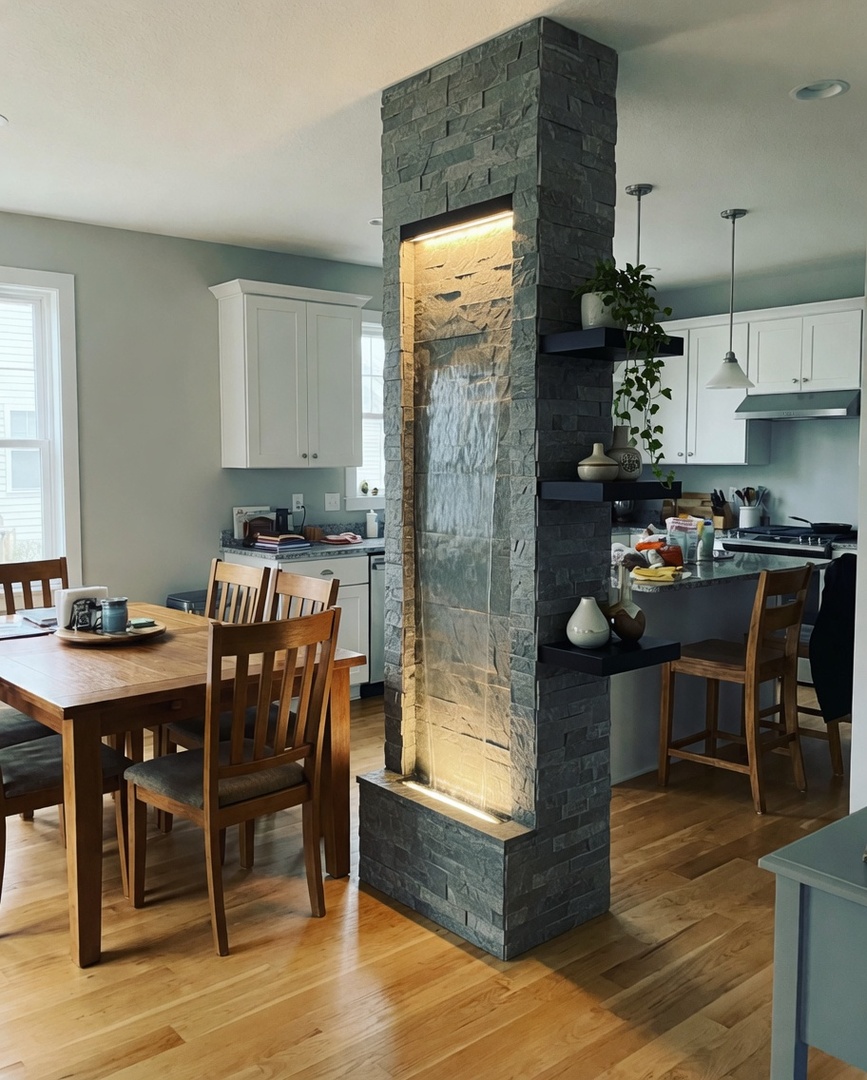
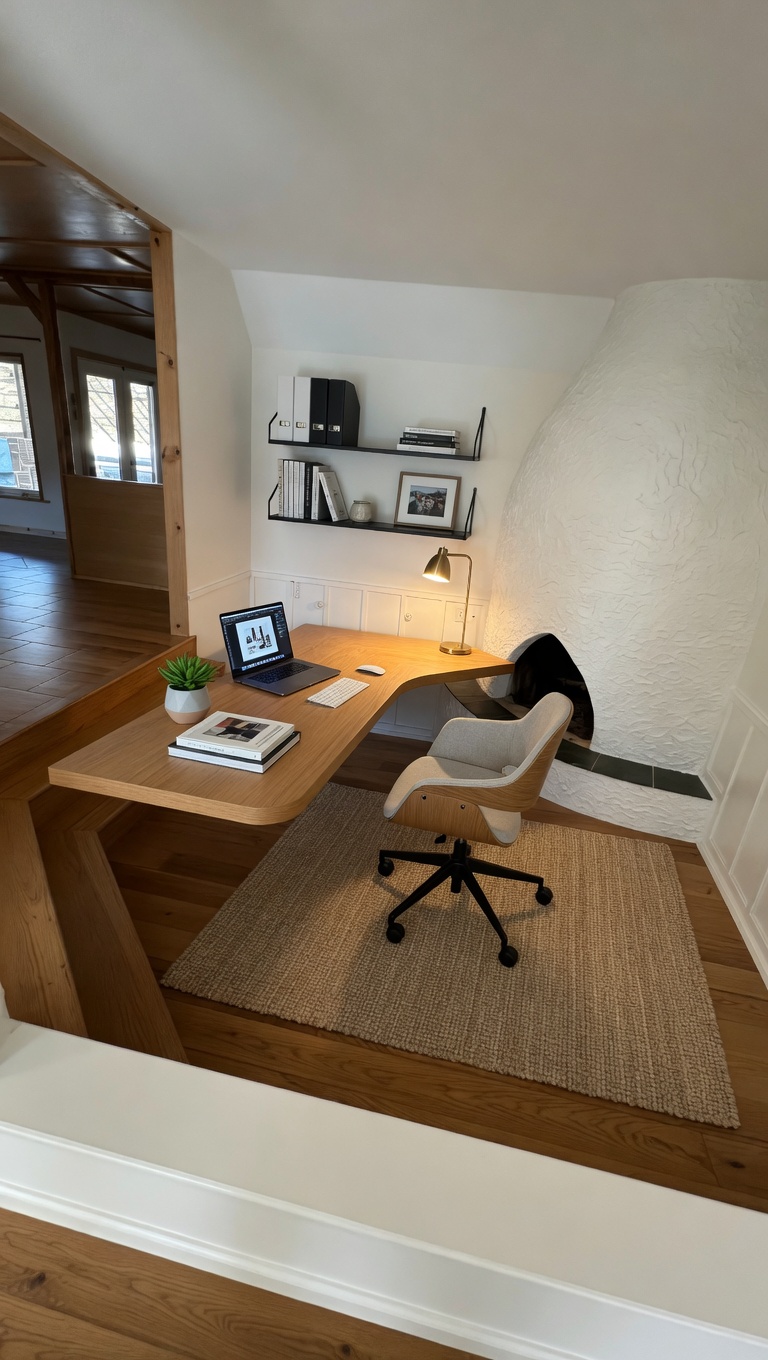
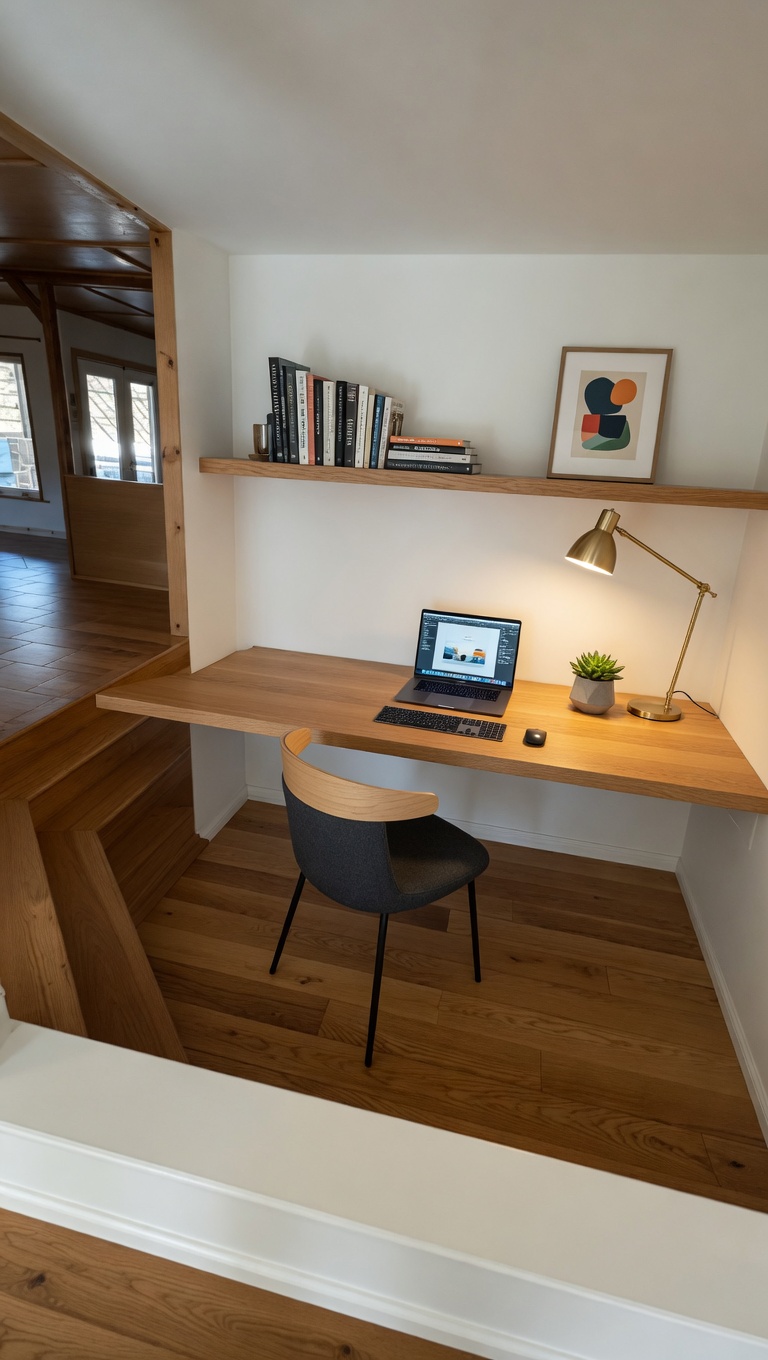
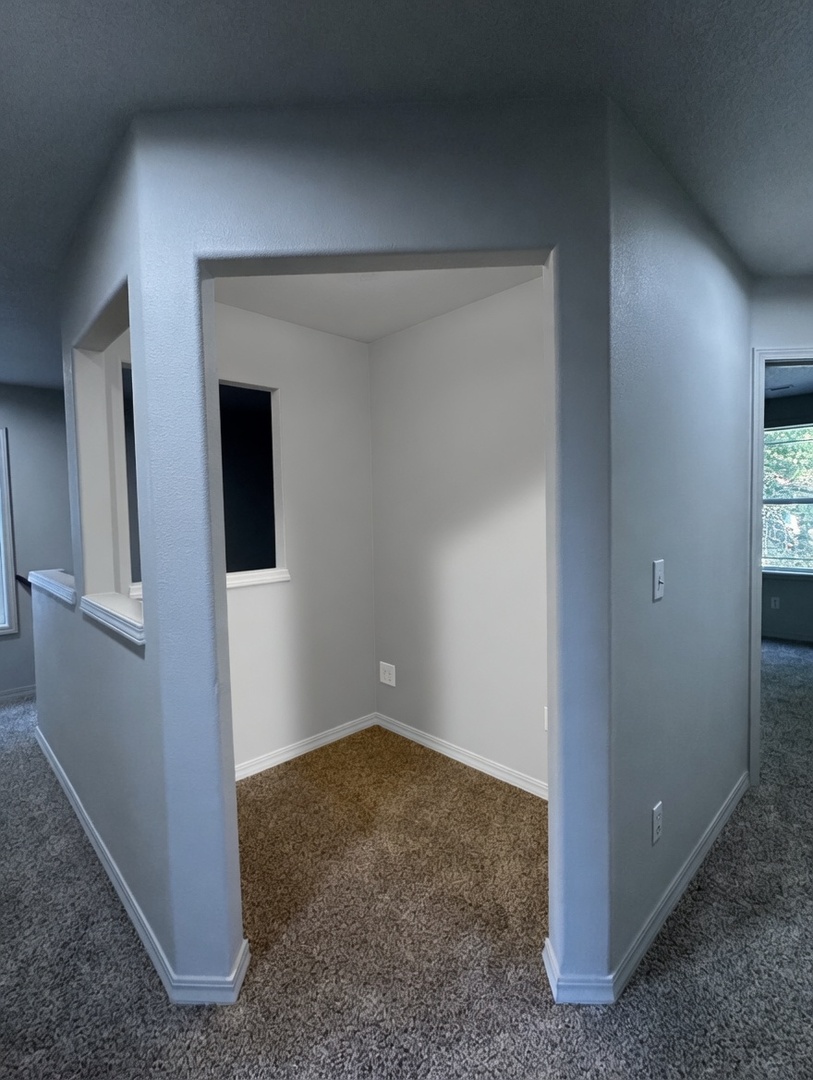
Here are additional transformations created with Casavista Dremiai — each one showcasing a different room type, design style, and transformation approach:
Popular AI Room Design Styles to Try
Casavista Dremiai supports 50+ design styles. Here are the most popular ones that people are using right now:
Boho Chic
Earthy tones, macrame, layered rugs, pampas grass, and abundant plants. Perfect for creating a warm, collected-over-time feel.
Modern Minimalist
Clean lines, neutral color palette, clutter-free surfaces, and intentional negative space. Calming and sophisticated.
Scandinavian (Scandi)
Light woods, soft textiles, hygge-inspired coziness, white walls, and functional simplicity. Bright and airy.
Industrial
Exposed brick, metal accents, concrete textures, Edison bulb lighting, and raw architectural elements. Bold and edgy.
Art Deco
Geometric patterns, gold/brass accents, jewel tones (emerald, sapphire, ruby), and luxurious materials. Glamorous and dramatic.
Japandi
Japanese minimalism + Scandinavian coziness. Natural materials, low furniture, neutral palettes, and extreme intentionality.
Dark Academia
Deep moody colors, vintage furniture, gallery walls, brass lamps, and scholarly vibes. Think old library meets modern bedroom.
Coastal
Light blues, sandy beiges, natural fibers, white-washed woods, and breezy textures. Beach house energy, anywhere.
Mid-Century Modern
Tapered legs, organic shapes, bold accent colors, walnut woods, and retro-futuristic silhouettes. Timeless cool.
Farmhouse
Shiplap, rustic woods, apron-front sinks, vintage touches, and warm whites. Cozy and lived-in.
Pro Tips for Best AI Room Transformations
Want transformations that look like these? Follow these tips from our community of 1M+ users:
Frequently Asked Questions
Is Casavista Dremiai free?
You get 1 free AI room generation to try the app. For unlimited designs, there’s an affordable subscription — way cheaper than hiring an interior designer (who typically charges $50-200/hour).
How long does a transformation take?
Most transformations complete in 20-40 seconds. Complex rooms or custom prompts may take up to 60 seconds.
Can I use it for any room?
Absolutely. Living rooms, bedrooms, kitchens, bathrooms, home offices, basements, attics, dorms, studios — even outdoor spaces like patios and balconies.
Does the AI change my room’s structure?
No. The AI preserves your room’s actual layout — walls, windows, doors, and ceiling height stay the same. It redesigns within your existing architecture.
Can I upload reference photos?
Yes! You can upload inspiration photos alongside your room photo and the AI will incorporate elements from your references.
What if I don’t like the result?
Generate again! You can create unlimited variations. Try a different style, tweak your prompt, or use a different starting photo. The AI never runs out of ideas.
Is my photo private?
Yes. Your photos are processed securely and are never shared or used for training without permission. Read our privacy policy for full details.
Ready to Transform Your Room?
You’ve seen what AI room design can do — now it’s your turn. Download Casavista Dremiai for free, snap a photo of any room, and watch the AI work its magic. Whether you’re looking for a complete style overhaul or just curious what your space could look like, you’re 30 seconds away from seeing your room in a whole new way.
Join over 1 million users who have already redesigned their rooms with AI. Available on iOS, Android, and web.